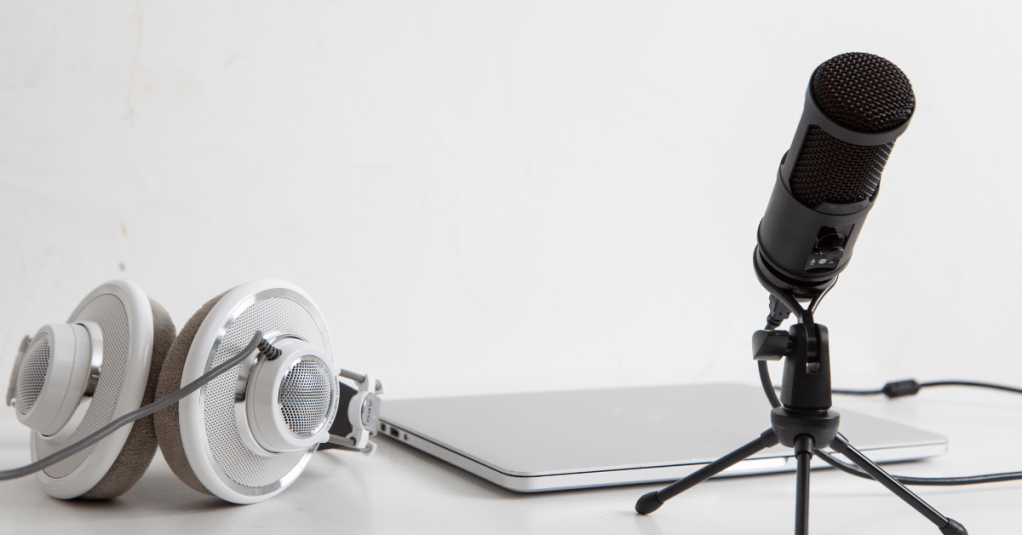
For this assignment in COM561, we’re conducting a quick interview and designing the sound to create a high-quality audio result. I’ve never mixed or designed any sound outside of very simple designs on Canva, so I was nervous but excited to tackle this one! I love a good audio experience, from audiobooks to podcasts, I love a good auditory performance, so I was excited to see how that process works behind the scenes.
First I needed to select a subject, so I choose to interview my friend Jay who is in Japan for the first time. I thought this would be a neat topic for the short interview where we could get a little glimpse into what it’s like there. Before the interview, I prepared a short list of questions to get a general feel of what it’s been like for Jay in Japan and what he has found most impactful so far during his visit. Since he’s currently there in Japan, we tried doing a phone interview, but ended up doing the interview on Zoom because it captured the audio much more clearly and cleanly. We spoke for around 30 minutes and Jay took quite a lot of pauses and roundabouts, so I ended up having several hours of editing, but it was a great lesson on how long it takes to clean up audio.
To begin editing, I uploaded the audio portion of the Zoom interview into Adobe Audition. Trimming the copious amounts of ums, uhs, pauses, and filler conversation out of the interview was very satisfying, but seriously labor intensive. The razor tool was my dearest companion for this project. I also heavily utilized the zoom in and zoom out tools to really hone in on the segments of audio I was clipping. This was especially useful for when I need to stitch two separate phrases together. I don’t think I managed to get them to be seamless, but I tried. I also tried to get the volume right – adding those little points on the volume line and adjusting as needed. I know I need to refine the volume consistency a bit more, but this too was a laborious but satisfying part of the editing.
Once I had razored, selected, and deleted all the bits that didn’t make the cut or added lag to the interview, and I had adjusted the volume to where I thought it sounded okay, I needed to add some music for effects. I couldn’t think of sound effects that could be cool to add other than music, but if you have any suggestions, please let me know, because that could lend some more fun or interest to the interview. I searched through the Creative Commons resources and found a nice little piano background melody that, once I turned the volume down, sounded nice alongside mine and Jay’s speaking. I made sure the music didn’t abruptly end by using the fading tool to gradually fade it out while Jay was answering the last question.
Once the editing was done, I selected the part where I wanted the audio session to end and held down O to make sure it didn’t go past that point, like our previous instructional videos advised, then exported it, and uploaded it to SoundCloud. I wasn’t sure how to attribute the music I selected so I popped the attribute into the caption on the upload. All in all, the interview, while only two minutes and nine seconds, really gave me a nice insight into sound editing. It was a lot more work in editing than I expected, but I was glad I had more audio to choose from than less. I think it turned out well for the first draft, but I’m looking forward to my peers’ feedback and polishing it up! I hope you enjoy this little slice of what it’s like to be in Japan for the first time.
Please enjoy the interview: https://soundcloud.com/sarahsmagic/draft-audio-interview
 Sarah's Magic